 Skip to content
A missing garage door remote should be treated like a missing access key. The safest response is to remove the lost device from the opener’s authorized memory, reprogram only the controls you still possess and confirm that every remaining entry method works as intended.
The exact buttons, light patterns and timing vary by opener brand and model. Use the manufacturer instructions for your unit instead of copying a generic sequence that might erase or change the wrong setting.
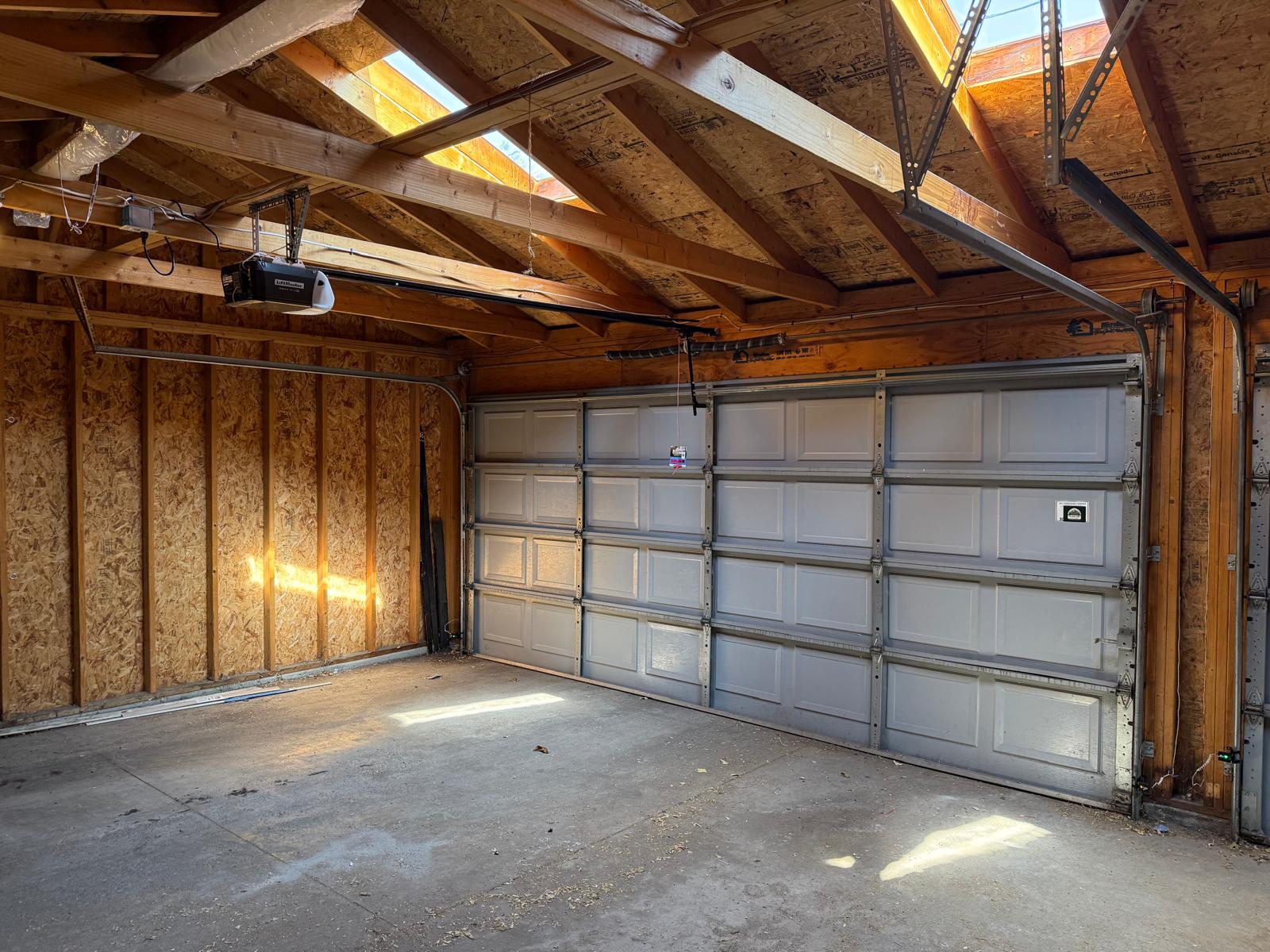
Secure the home before replacing the remote
If the remote may have been stolen with a vehicle, registration or other information that identifies the address, prioritize access control. Keep the garage-to-home entry door locked, move valuables out of view and use any physical garage lock only when the opener will not be operated against it.
Do not repeatedly test random remotes while the opening is occupied. Keep the door in full view, make sure people and objects are clear and disable unattended smart routines until the authorized devices have been confirmed.
Identify the opener model and learn-button system
The model label is commonly on the opener housing, while a learn or program button may be behind a light cover. Color, location and programming behavior differ across product generations. Photograph the model label from the floor only if it is clearly visible; do not stand on an unstable object or approach a moving door.
The label and learn-button information help determine whether the opener can erase individual devices, whether all radio memory must be cleared and which replacement remote is compatible. Vehicle-integrated controls and wireless keypads may need to be enrolled again after a full memory reset.
Erase lost access using the manufacturer procedure
Many residential openers provide a way to clear stored remote-control memory. That operation can disable every handheld remote and keypad, not just the missing device. Gather the controls you still own before starting so they can be reprogrammed without leaving the household locked out.
Do not confuse remote memory with travel, force or safety settings. Pressing the wrong control sequence can create unnecessary troubleshooting. If the owner’s manual is missing or the opener label is unreadable, a technician can identify the system and perform the reset correctly.
Reprogram only devices you recognize
After memory is cleared, add back the household remotes, keypads and vehicle controls one at a time. Test each device while the door is visible and the opening is clear. Remove old remotes from sold vehicles and avoid leaving a portable remote clipped to a visor when a vehicle is parked outside.
If a smart opener app is involved, review the authorized users, shared access and account password. Enable available account security features and remove devices or people who no longer need entry. App access and radio remotes are separate on many systems, so check both.
Choose a compatible replacement remote
A remote that looks similar is not automatically compatible. Match the opener brand, model generation and radio or learn-button system. Manufacturer compatibility charts are more dependable than assumptions based on case color or button count.
Universal remotes can be useful when the compatibility list includes the exact opener. Some third-party devices change how other accessories work or require all controls to be reprogrammed. Confirm the return policy and instructions before relying on a universal product.
- Record the opener model and learn-button information.
- Verify the replacement against an official compatibility chart.
- Program the device with the door in sight and the opening clear.
- Store remotes and keypad codes like other home-access credentials.
Test the door and safety system after programming
A successful remote pairing proves only that the control signal reaches the opener. It does not confirm that the door is balanced or that the safety system works correctly. Watch for smooth, level travel and verify photo-eye and automatic reversal behavior using the opener manual.
If the opener responds inconsistently, activates by itself, shows unfamiliar devices in the app or fails a safety test, stop using unattended controls and arrange service. A wiring, logic-board, interference or mechanical problem may be present in addition to the missing remote.
Opener and remote help in Denver
Pine Garage Door can identify the opener, clear and reprogram compatible controls, inspect the photo eyes and confirm safe door operation. Review our Denver garage door opener service and wireless opener installation options. For direct help, request service online or call (303) 865-5932.
Frequently asked questions
Can I erase only one lost garage door remote?
Some systems support device-specific management, while others clear all stored radio controls. Follow the manufacturer instructions for the exact model and be prepared to reprogram the devices you still own.
Will clearing remote memory erase the opener travel settings?
Remote memory and travel settings are separate on many openers, but button functions vary. Use the model-specific manual so you do not change force, limits or safety settings unintentionally.
Can someone use a lost remote after the opener memory is cleared?
A remote removed from the opener’s authorized memory should no longer operate that opener. Verify the reset by testing the controls you still possess and re-enrolling only approved devices.
Should I replace the opener after losing a remote?
Not usually when the opener can securely clear and reprogram access devices and remains compatible with current controls. Replacement may be worth discussing when the equipment is obsolete, unreliable or lacks the safety and access features the household needs.
Compatibility reference: see the LiftMaster remote replacement and compatibility guide when applicable to your model.